I’ve been messing with n8n recently for simple UI-based workflow automation (very cool, can be leveraged low-code and no-code by non-programmers), and run into the problem that external secrets managers require an enterprise license (💀).
Okay, rough, but it’s free to self-host and they need to make their money somewhere, so I get it! But there’s got to be some kind of super obvious option to store them internally right?…
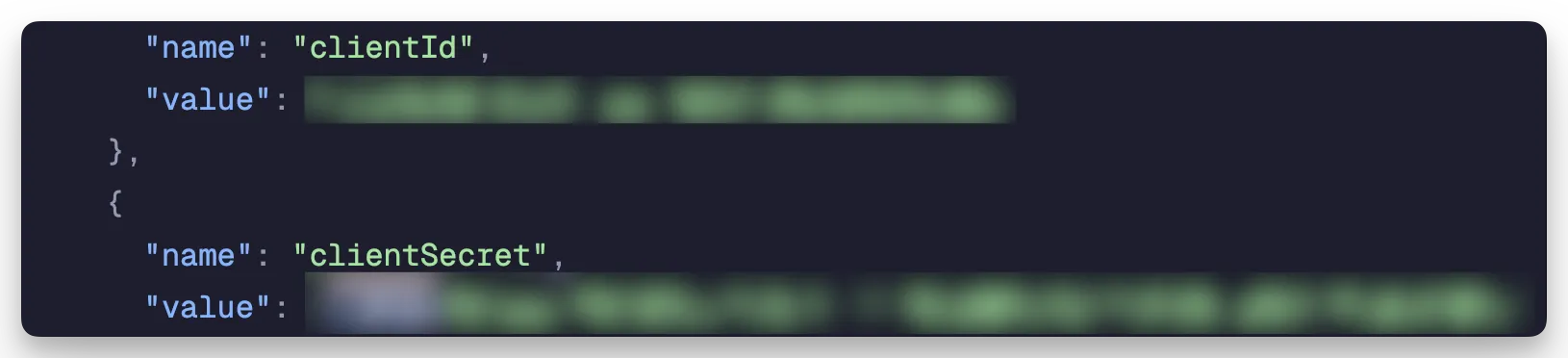
Not easily.
internal secrets?
The above screenshot is from a downloaded flow. You can’t directly share/collaborate, as that requires a plan. ⬇️
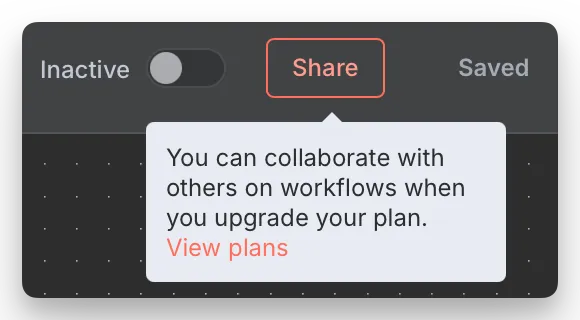
So instead you might go and download it, and share the file around.
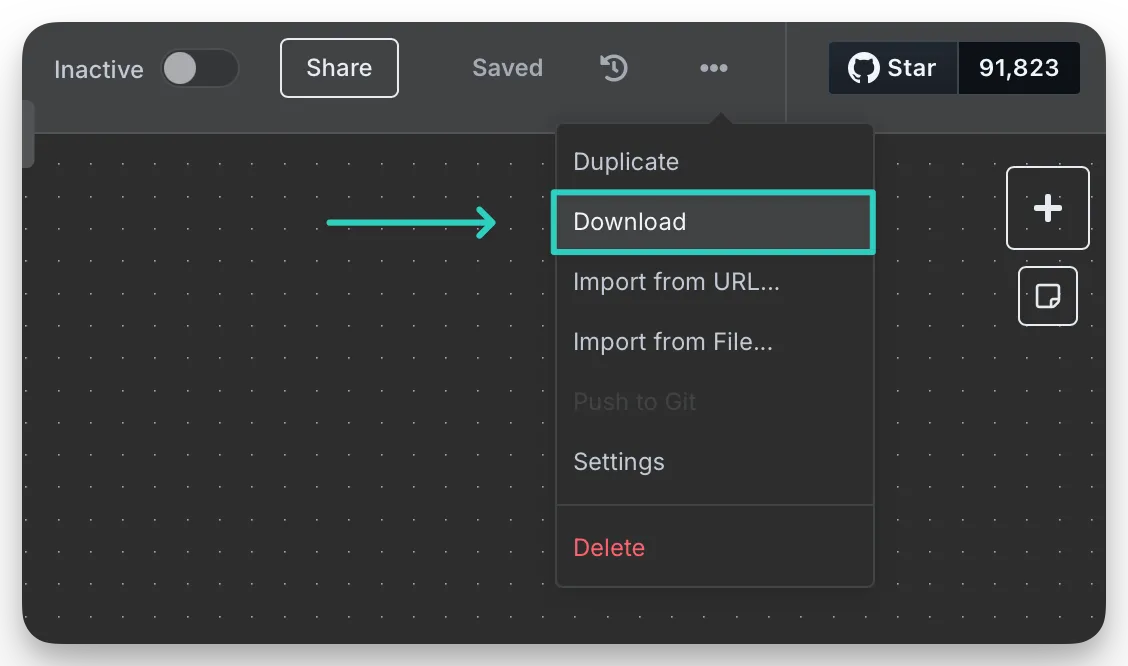
But as highlighted above, it’ll include your secrets, so that’s definitely a no-go (of course, but I wanted to highlight that point). Instead, I’ll navigate over to the “Credentials” page and create a new one.
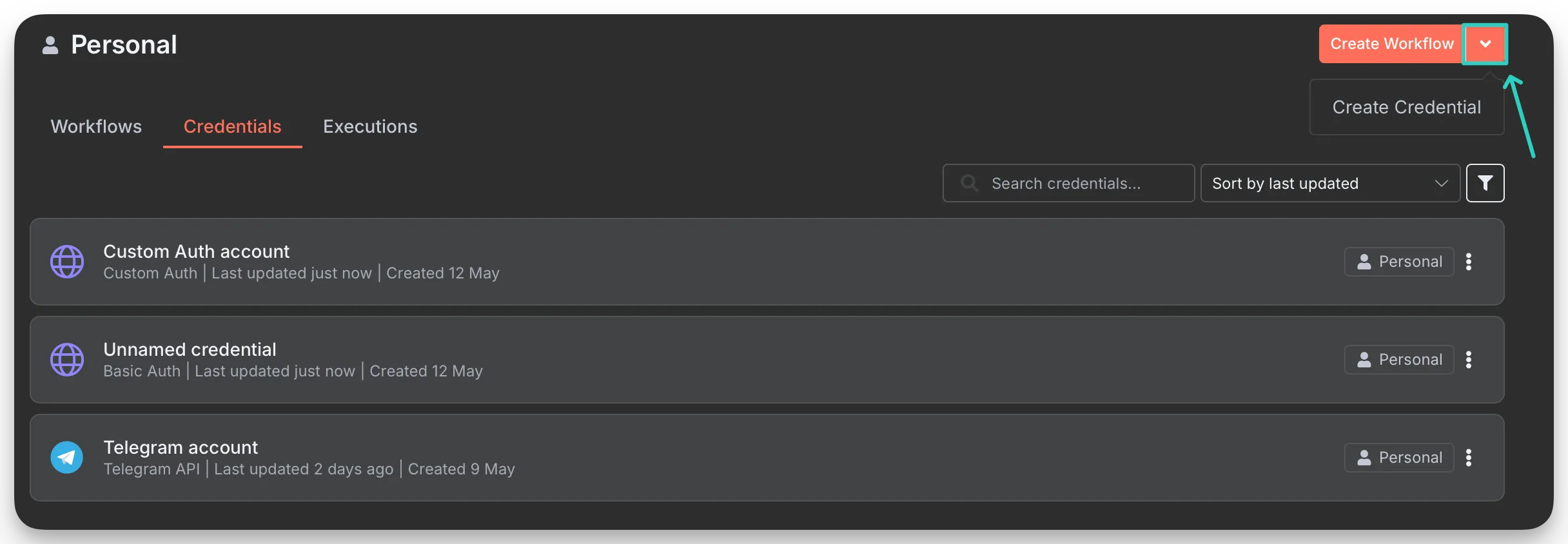
Scroll through the billion integrations they have and select “Custom Auth”, then plop some JSON in there with your key:value pairs stored inside of it. We’ll use the body option, as I’m wanting to authenticate to Infisical (in this case), and it requires a form-urlencoded body.
{
	"body": {
		"clientID": "testID",
		"clientSecret": "testSecret"
	}
}
But looking at the flow option… where does it go? How do you access it? Well… you can’t (it seems) if you need it be placed in the body in a form-urlencoded format, like I do. They probably did this to put more restrictions around just using the credential store as a variable store, which is enterprise-plan locked as well… so it seems like a dead end.
I don’t know if I’m doing this wrong, but it seems pretty unintuitive on the surface.
api calls with hardcoded secrets in separate flows…
What I ended up doing… temporarily… is to ensure my self-hosted external secrets manager (Infisical) is:
- Ensure it’s not accessible via the public internet.
- Ensure it’s only accessible via a Tailscale-connected node.
- Create a project specifically for the
username:passwordin Infisical. - Create two secrets; one for the username, one for the password.
- Create a machine identity for n8n that only has viewer access to the new project (I’m using universal auth).
- Hardcode (RIP I hate doing this) the machine identity’s secret in n8n.
This way, the only way someone would be able to access the Bluesky Password, is that they’d have to first somehow extract it from n8n (which is currently only accessible via Tailscale), then they’d have to somehow also gain access to Infisical, which is also only accessible via Tailscale. If public, abusing n8n to access Infisical would be dead simple though, as HTTP requests can be easily created, commands can be run, and so much more, if you have admin access to an n8n instance.
This isn’t ideal.
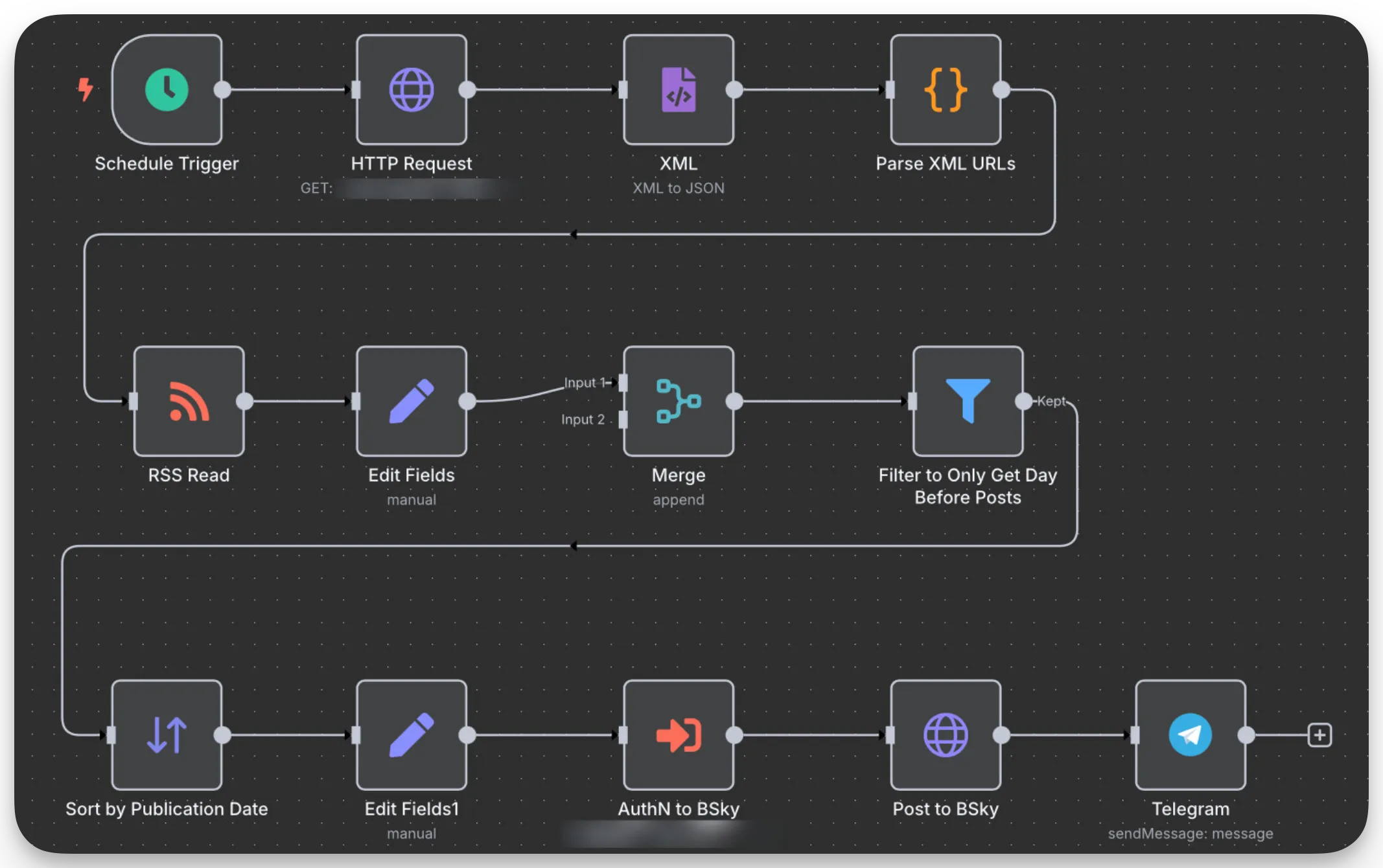
And I’d prefer to find an alternative at this point 😂. Here’s what the main flow ended up looking like, with a hook into another flow that controls grabbing the username and password from Infisical:

This is a collection of my cybersecurity notes & projects.
I graduated from Dakota State University with a MS in Cyber Defense & BS in Cyber Operations. Since then I've worked as a Malware Analyst with the U.S. Army Cyber Command, and am now a Web Application Security Consultant.
I'm a big fan of open security standards for applications and workflow automation when it comes to security testing. The easier it is to identify and replicate, the more secure everyone's apps can be! My other writings and projects are scattered across the web, but can be found in the links page.
Contact me: